
Published 2026-10-06 · DIYCarPlay Engineering Team
HD CarPlay Module: Why Picture Quality on a Factory Screen Is Set by the Link, Not the Screen Size
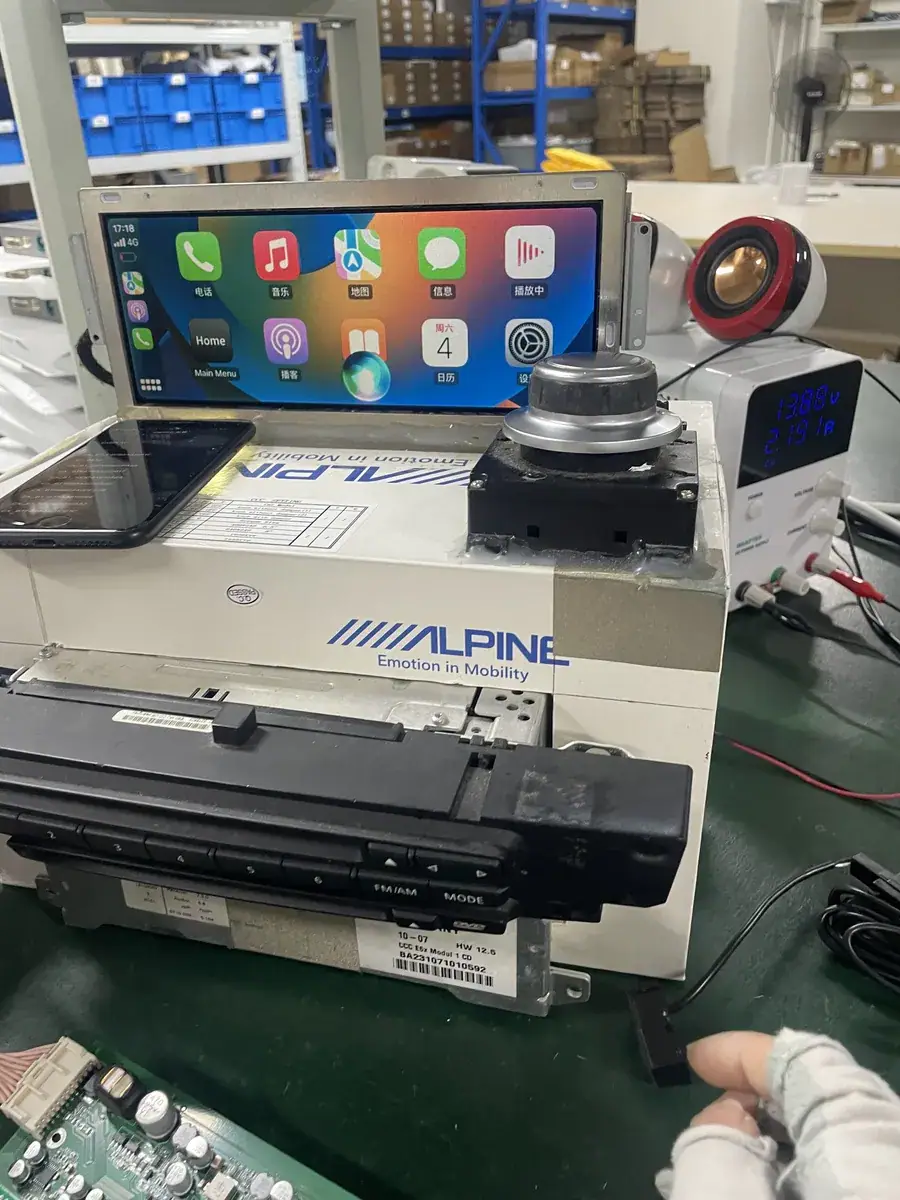
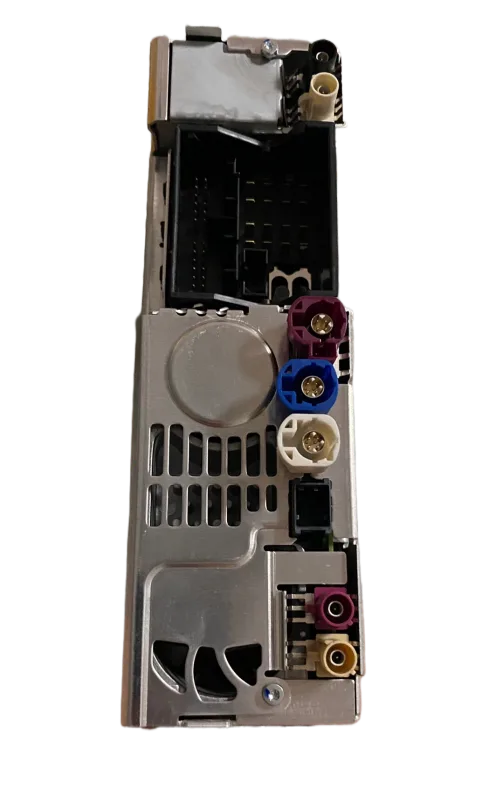
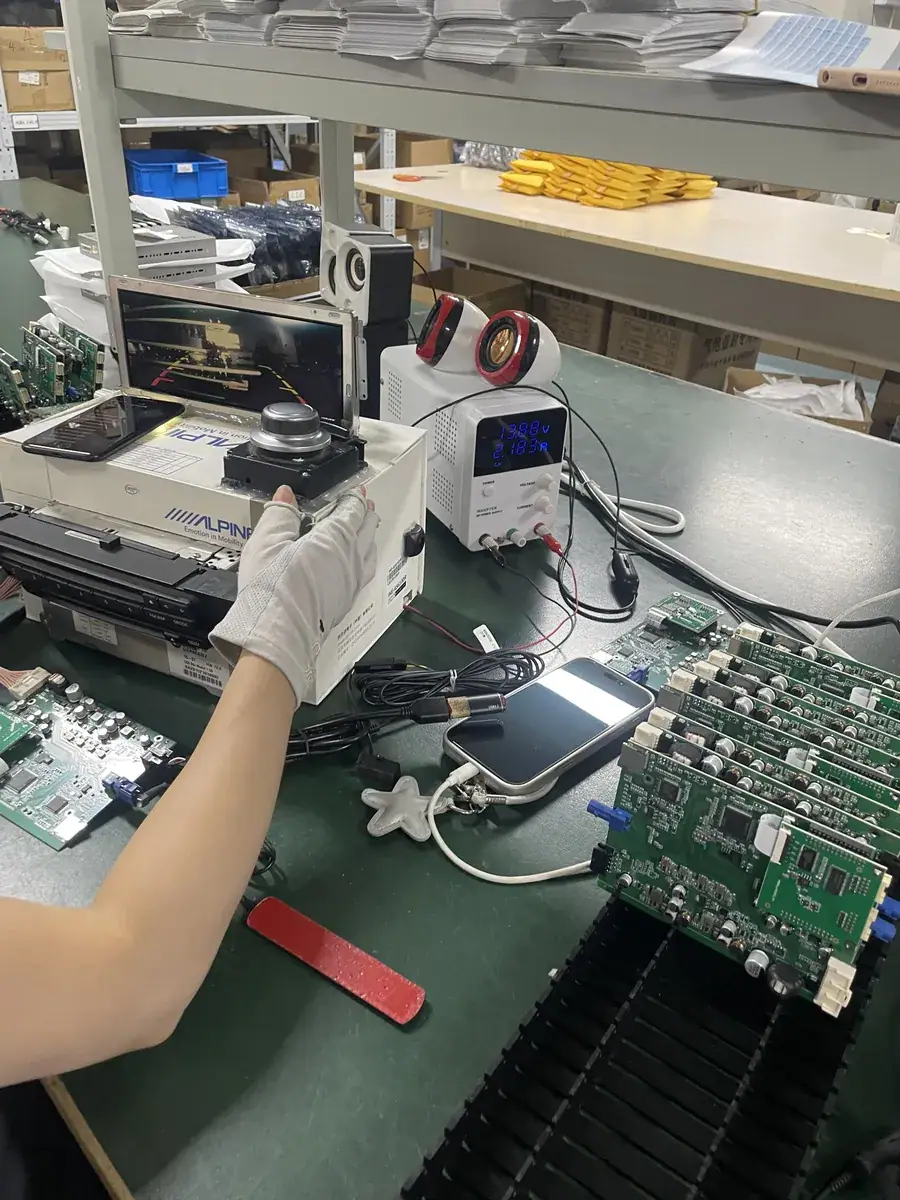
An HD CarPlay module is a retrofit unit that sits behind a factory head unit and reproduces the phone's interface on the original LCD. It does not replace the display, the bezel or the trim. What appears on screen is generated by the phone, streamed across a wireless link, and drawn through the factory panel's own video input. Because that panel was specified years earlier and cannot be changed, the module has to work inside limits the car set long before CarPlay existed.
Apple's CarPlay support documentation sets out what a head unit must do to display a phone interface: render the graphics, route the audio, accept touch and knob input, and hand control back to the vehicle when the phone disconnects. A retrofit module's job is to satisfy those requirements on hardware that predates them. Knowing which requirement lives in the panel, the chipset, the radio or the software is what separates two modules that cost very different amounts.
What actually sets picture quality on a factory screen
Display quality gets discussed as though the module were the screen. On a retrofit it is not. Five stages sit between the phone and the pixels, and a buyer can only influence three of them.
| Stage | What it controls | Who fixes it |
|---|---|---|
| Factory panel | Native resolution, contrast, viewing angle | The car. Fixed at production |
| Wired link, module to panel | The maximum video bandwidth the head unit accepts | The car. Fixed by the platform |
| Wireless link, phone to module | Throughput, delay, behaviour in congested spectrum | The module's radio design |
| Rendering hardware | Frame pacing, colour conversion, scaling | The module's chipset |
| Software architecture | Consistency after months of daily use | The module's operating system |
The table produces one conclusion quickly. A higher-resolution module cannot add pixels a panel does not have, and it cannot widen a wired link the head unit was built to accept. Both of those are the car's, fixed since the day it left the line. Everything a module genuinely improves lives in the bottom three rows, which is also where the specifications worth comparing are written.
A practical example: two modules fitted to the same car, one with a single radio band and one with 5GHz dual-band WiFi. On an open road, on a clear day, the difference is small. In a multi-storey car park on a Saturday, with several hundred phones and access points nearby, the single-band unit re-renders map tiles and the dual-band unit keeps pace. The panel is identical in both cases.
The 5GHz band is a throughput decision
Wireless CarPlay moves a continuous stream of map tiles, menu redraws, album artwork and audio control messages. It is not a large download, but it is a steady one, and it is sensitive to how crowded the band is.
The 2.4GHz band is long-range and good at penetrating obstacles, which makes it genuinely useful as a fallback inside a concrete structure. It is also the band shared with Bluetooth neighbours, home routers and vehicle access points, so throughput per device varies with how busy the structure is. The 5GHz band offers far more available bandwidth over a shorter radius. In a cabin, the radius is not the constraint, so 5GHz dual-band WiFi is the sensible default: the module uses the cleaner band while conditions allow and holds a working link when they do not. The pairing and connection guide covers the separate problem of a phone that connects once and then refuses to rejoin.
Where the chipset does the work software cannot
The third row of the table is the one most often skipped in a specification sheet, and it is the one buyers regret. An automotive-grade chipset from Sunplus handles frame pacing, colour space conversion and scaling in fixed logic, with the timing the panel expects. That work does not depend on how much headroom the operating system has, which is the point.
This is where the choice of operating system becomes visible rather than theoretical. A fixed-function embedded Linux system on the module runs a known set of tasks and nothing else. It has no general-purpose userland accumulating background processes, so frame pacing stays where it was set. That contrasts with an aftermarket Android head unit, which is a different product entirely: it brings its own display, its own operating system and its own update cycle, and it replaces the factory panel to do it. An Android unit is not a CarPlay module — the two are not competing versions of the same thing.
The practical test is time. A car left in daily use for two years will show which architecture it has. One that still draws map tiles at the same rate on a cold morning as on the first day is running fixed-function firmware on automotive-grade silicon. Anything that has visibly slowed over that period is accumulating work somewhere, and that behaviour was designed into the software, not caused by the hardware.
How to evaluate a module before ordering
Four questions separate modules quickly, and all four can be answered before money changes hands.
- Which radio bands are supported? If the answer lists only 2.4GHz, the module will struggle in dense indoor parking. Dual-band with 5GHz is the expected specification.
- What platform does the chipset target? Ask for the part family, not the marketing description. Automotive-grade silicon from Sunplus is a specific claim that can be checked.
- What is the operating system, in one sentence? The answer should be embedded Linux with a fixed task set. A vague answer here usually means a general-purpose system with a different failure profile.
- Is the module tested against a real head unit of the target generation? A bench simulator and an actual NTG4 or MIB2 unit do not present the same timing.
Fitment should be confirmed against the specific head unit generation before anything is ordered, and the vehicle fitment finder walks the same platform data in three steps. Platform differences are real: a module for one head unit generation is not interchangeable with the next.
Common questions
Does a higher-resolution module give a sharper picture on an old head unit?
No. The factory panel sets the ceiling. A module can only fill that panel efficiently; it cannot exceed the panel's native pixel grid or the bandwidth of the link the head unit accepts.
Is 5GHz WiFi always the better choice?
Not on its own. The 5GHz band carries more data over a shorter distance, which suits a cabin, but it does not reach as far through thick concrete. Dual-band modules use the cleaner band when conditions allow and fall back when they do not, which is why both bands are fitted.
Why does the operating system matter for picture quality?
Rendering has to happen on schedule for every frame. A fixed-function embedded Linux system runs a known task set with no accumulating background work, so frame pacing stays predictable. A general-purpose system with background processes can lose scheduling headroom over time, and the symptom is visible as stutter during map redraws.
Does the module replace the original screen?
No. The screen, the head unit, the steering-wheel controls and the reversing camera all stay in the car. The module sits behind the head unit and feeds the existing display, which is the reason it can be fitted to a vehicle whose original equipment is otherwise unchanged.
Request a quotation
Send the target vehicle list, the head unit generation for each entry, and the quantities being planned. A quotation comes back within 12 hours with module fitment, MOQ tiers, lead times and the payment terms that apply to the volume. Stock starts at 10 pieces with mixed models allowed in one shipment; private label runs start at 500 pieces per model; a Full OEM firmware programme starts at 1000 pieces per model. Samples take 7 to 15 days by DHL or FedEx, and volume production runs 15 to 20 days on orders of 500 pieces or more. Terms are 30% deposit with the balance against a copy of the bill of lading. Start with the inquiry form, or read the wholesale programme page first if the plan is a container rather than a sample.
Need the Module From This Guide?
Wholesale from 10 pcs (mixed models OK), samples in 7–15 days (DHL/FedEx express). Fitment confirmation within 12 hours.
Request Pricing Check FitmentRelated Resources
- CarPlay Collections — browse by marque family (German, British, Italian, Japanese, luxury)
- CarPlay Fitment Checker — find the module for your car
- CarPlay Decoder FAQ — 34 answers on compatibility, install and wholesale
- CarPlay Retrofit Buying Guide — platform identification & selection
- Wholesale, Private Label & OEM Program — MOQ, lead times, payment terms
- All installation & technical guides